
Mars Incremental
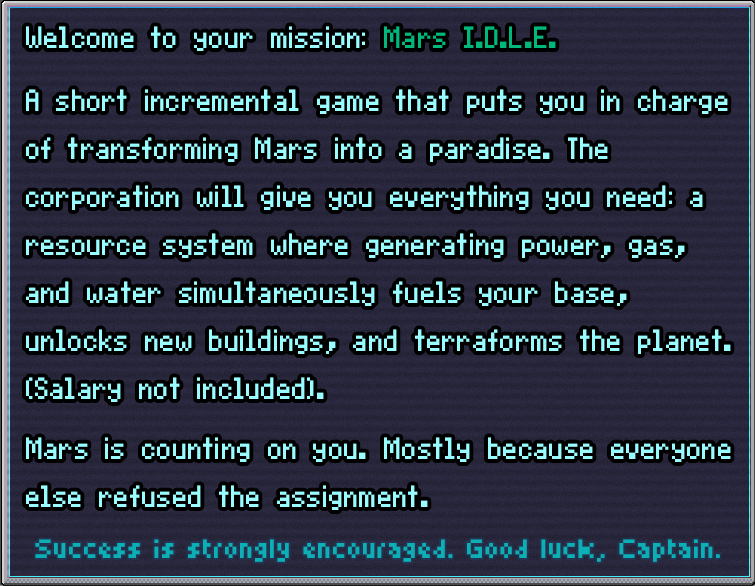

The Corporation put you in charge of the mission to make Mars habitable.
They have questionable technology, structurally optimistic buildings, and a strong preference for automation over effort (the engineers are lazy, not incompetent). Results pending.
This is only a demo — the corporation calls it a “limited operational trial,” mostly so they don’t have to commit to anything. Full deployment pending. So is the budget.
If something breaks, behaves oddly, or you simply have opinions, the corporation reluctantly wants to hear them. Leave your feedback — the engineers will pretend to read it.
Features
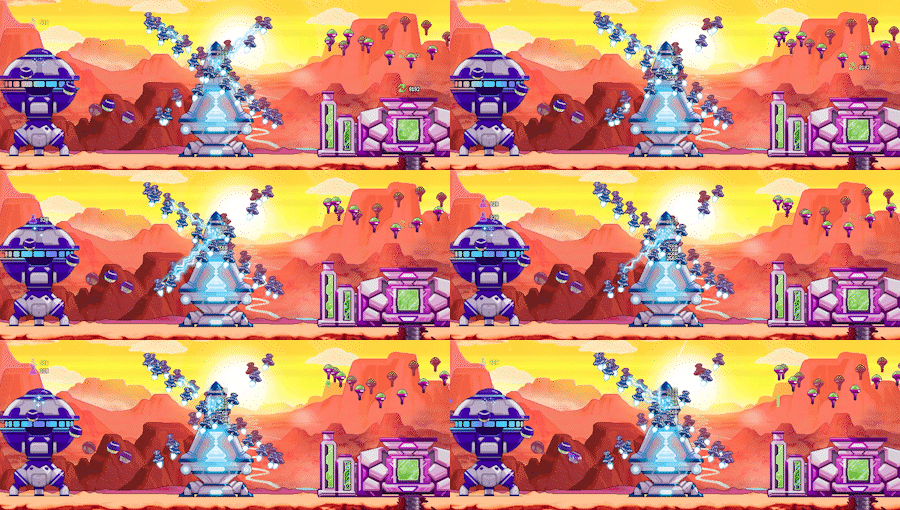
- Watch Mars visually transform across 7 terraformation cycles, each one revealing a new planet and new layers of complexity;
- Each terraformation permanently unlocks powerful new technologies that reshape how you play across every run;
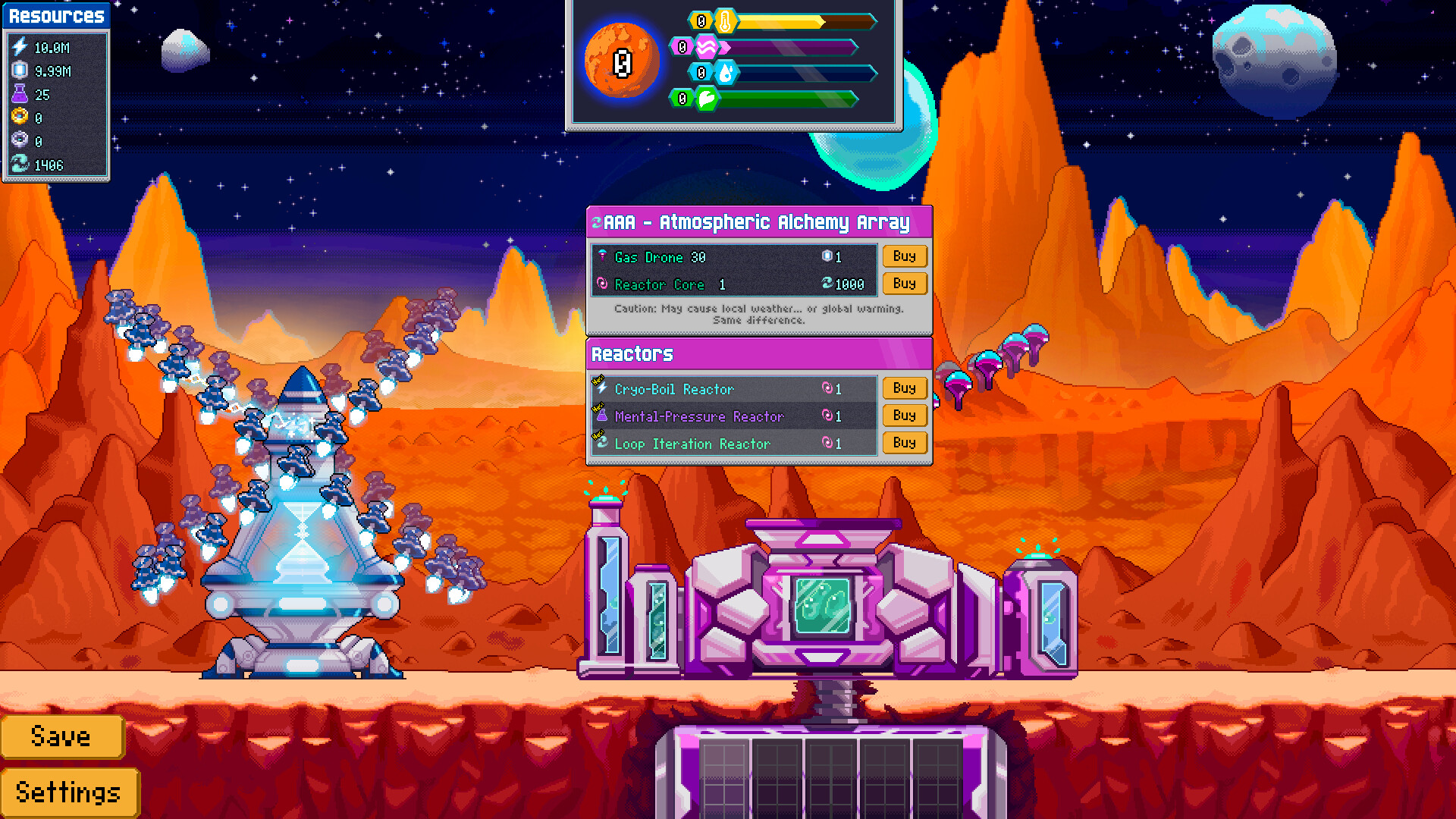
- Build and deploy drones across your buildings to automate and amplify resource production (then watch the numbers become someone else's problem).

What’s your job as the captain
- Adjust the planet's parameters using (questionable) technology;
- Raise structurally optimistic buildings;
- Deploy (mostly) helpful drones;
- Wait for something breathable to happen. Probably.

Running slow? Enable Hardware Acceleration
This game runs in your browser using your computer's graphics card (GPU). If your browser has hardware acceleration turned off, it falls back to drawing everything on the CPU, which makes the game run at just a few frames per second.
If you saw an in-game "Performance warning", or the game feels very choppy, follow the steps for your browser below, then reload the page.
| Google Chrome | Opera |
|
|
| Mozilla Firefox | Safari (macOS) |
|
Safari uses hardware acceleration automatically and has no on/off switch. If the game is slow:
|
| Microsoft Edge | |
|
 |
Still slow after enabling it?
- Update your graphics drivers (especially NVIDIA/AMD/Intel on Windows).
- Laptops: make sure the browser is allowed to use the dedicated GPU. On Windows: Settings → System → Display → Graphics → add your browser → High performance.
- Desktops with two GPUs: make sure your monitor cable is plugged into the graphics card, not the motherboard.
- Close other heavy tabs/apps and reload.
If the game is still slow, try to download the build below.
I'd like to continue playing my save from the web on the desktop build, how can I do that?
In the web version there is an Export Save button inside the Settings menu (the Settings Menu can be accessed either by pressing Esc/Space or pressing the Settings button in the bottom right of the screen). When you click it you will start the download of your save file -> Please leave the file name as 0.
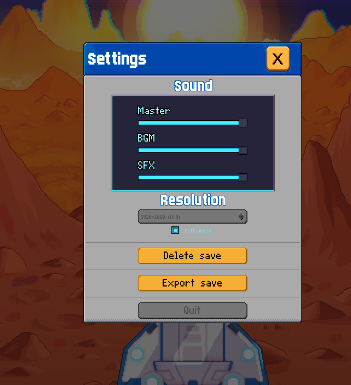
In the Windows build, there is an Import Save button in the Settings Menu, by clicking it, a folder will open up. Put the downloaded file inside that folder and restart the game, you will be able to continue terraforming mars from where you left off!
PS: Some drones might ask for overwork hours, the company does not provide such benefits for non-human collaborators.
Download
Development log
- 🔨 Patch Note | July 3th27 days ago
Comments
Log in with itch.io to leave a comment.
I’m not able to play because the “Confirm” button to go to fullscreen doesn’t seem clickable. I “click” on it, but nothing happens.
Hey! Thanks for the heads up. We're working on it and a fix should come in the next few days.
I love the music, did you make that, too?
Glad you liked it ^^
This actually is a remix from another free copyrighted song, we had this song in the game for quite a while, so let us just get the original songwriter and we'll post it here!
Edit: it's a remix from the song Cost Efficiency from The_Mountain
Hey, I've hit the point where my game is running real slow on browser even after following your tips. Is there a way of transferring save files from browser to the downloaded version?
Hey! Thanks for your feedback. Our devs are looking into it, and I'll get back to you as soon as I can.
Heya! Another dev here.
Glad to hear you are enjoying our game, and thanks a bunch for the feedback, we really appreciate it.
We have just uploaded new builds that will allow you to do just that! We've also added a section at the bottom of the page describing how you can go about transfering your save file =)
Thanks! Works well on desktop. I don't know if it's intended but i can't get breakthrough Points. I've reached lvl 40 but haven't had the option to gain anymore since lvl 10
Glad it worked out!
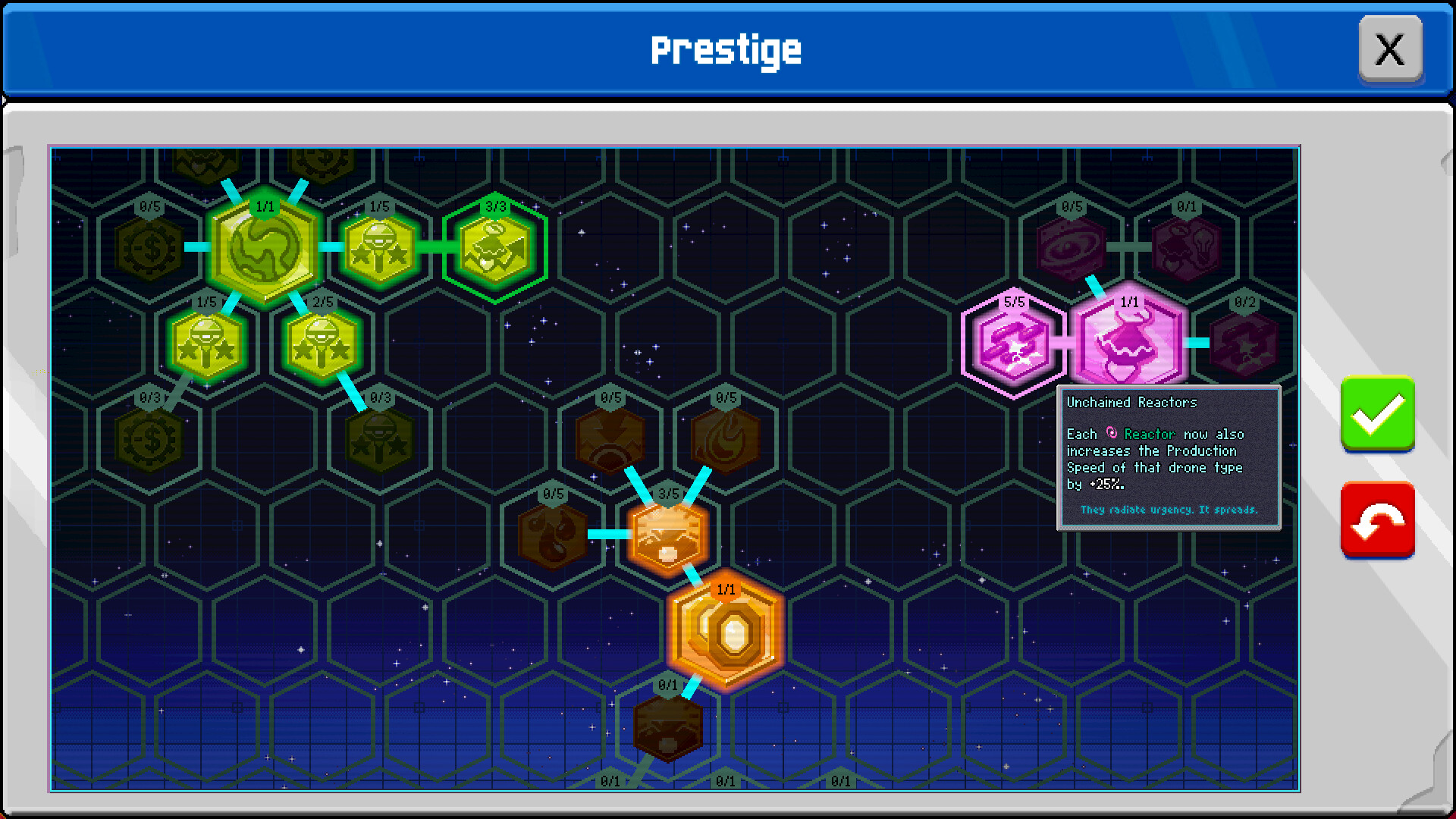
Yes, that’s intended hahaha as of now, you need to choose between getting one of the two majors as they are super strong, and having both would be a tad too much. But if you want to try both, you can refund during the base reset to try the other.
Edit: in fact, now that you mentioned it, it’s definitely not clear this is a demo of the game.